Building a PC in 2026 is a different beast compared to just a couple of years ago. We are currently living through a period of “Hardware Inflation,” where high demand for memory in global AI data centers has pushed the price of DDR5 RAM and SSDs to new heights.
If you are planning a build this year, the old “buy whatever is cheapest” strategy doesn’t hold up. Here is how to build a smart, resilient, and high-performance machine in the current market.
1. The Strategy: Invest in the “Foundational Trio”
Since memory and storage prices are volatile, the smartest builders in 2026 are pivoting their budgets. Instead of chasing the latest RAM sticks that might fluctuate in price weekly, focus your spending on the Foundational Trio:
- The Power Supply (PSU): With the high power demands of newer GPUs like the RTX 50-series, a high-quality ATX 3.1 unit is non-negotiable. A premium 850W or 1000W Platinum-rated PSU will last through 3–4 GPU upgrade cycles.
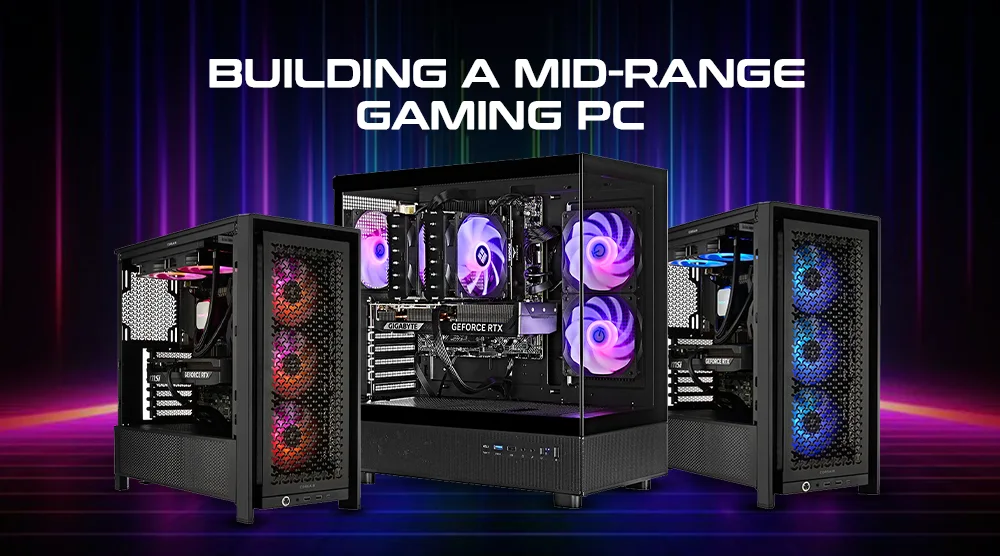
- The Case: Don’t settle for a suffocating, “budget” case. Invest in a chassis with excellent thermal management (mesh fronts, modular layouts). A well-ventilated case keeps your components cooler, quieter, and running longer.
- The Cooling Solution: Whether you choose a high-end air tower or a reliable AIO, prioritize cooling that can handle future CPU upgrades.
2. Component Guidelines for 2026
If you’re building today, here is the current consensus on hardware:
- CPU: AMD’s AM5 platform remains the gold standard for longevity. The Ryzen 7 9800X3D is widely considered the king of gaming performance, though mid-range chips like the Ryzen 5 or 7 series are perfect for productivity-focused builds.
- GPU: The 1440p sweet spot is where most builders are finding the best value. The NVIDIA RTX 5070 and AMD RX 9070 are the heavy hitters here, offering the right balance of ray-tracing capabilities and VRAM for modern titles without the extreme price tag of flagship 4K cards.
- RAM: 32GB is the new “bare minimum” for a comfortable experience, especially if you juggle work tasks alongside gaming. While DDR5 prices are high, it is the standard for 2026—avoid sinking money into DDR4 platforms unless you are on an extremely tight budget.
3. Practical Tips for a Smooth Build
- Don’t Over-Spec Storage: Gen5 NVMe drives are fast, but for 99% of gaming and development work, a high-quality Gen4 drive offers identical real-world performance for significantly less.
- Check for “Back-Connect” Options: If you are building from scratch, look for “reverse-connect” motherboards (like MSI Project Zero or ASUS BTF). They hide cables behind the motherboard tray, giving you a clean look that used to require professional-level cable management skills.
- Use the Right Tools: Don’t rush the assembly. Use tools like PCPartPicker to verify compatibility before buying a single screw. It’s the easiest way to ensure your massive GPU actually fits in your chosen case.
The Bottom Line
Building in 2026 requires patience. If you see a good deal on the “Foundational Trio,” grab it. For the volatile parts (RAM/SSD), keep an eye on sales and don’t feel pressured to buy the fastest, most expensive kit available. A well-built foundation will allow you to drop in performance upgrades down the road when market prices stabilize.
How to Build a PC – Step by Step Beginners Guide 2026
This video provides a comprehensive, start-to-finish walkthrough of the physical assembly process, which is incredibly helpful for visualizing how modern components like NVMe drives and GPU power connectors fit together in 2026 cases.
Would you like me to generate a specific, optimized parts list for your business POS needs or a gaming setup within a set budget?
How to Build a PC – Step by Step Beginners Guide 2026 – YouTube
Christopher Flannigan · 8.9K views
